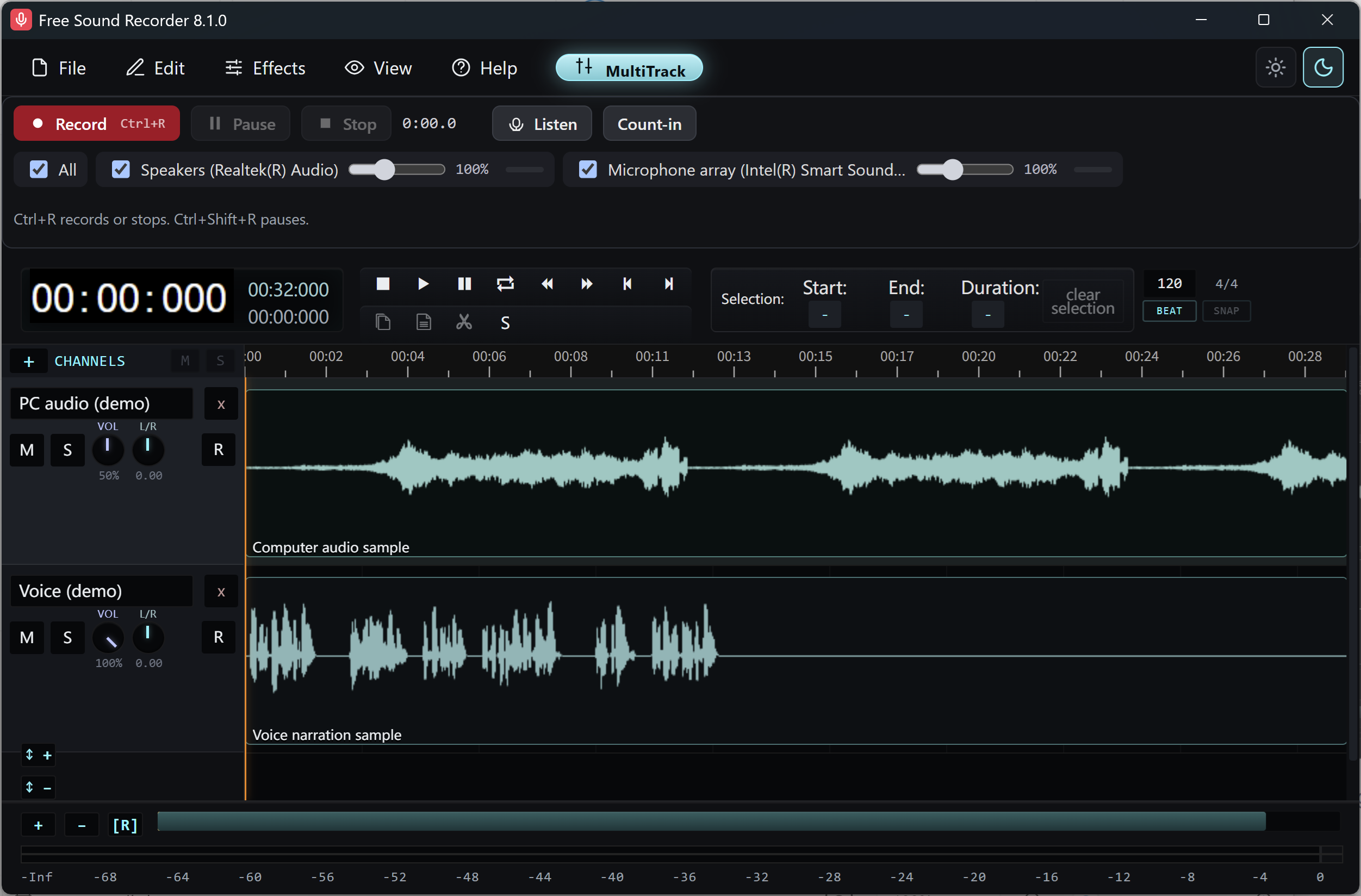
What the solo test tells you
| What you hear | First place to look |
|---|---|
| PC audio on the mic lane | Room speakers feeding the microphone |
| Your voice on the PC lane | Microphone monitoring or call audio return |
| Echo on the mic lane even with headphones | Room reflections or the input chain |
Make a test with one spoken word
Wear headphones and turn the room speakers down. Start a short take with both sources selected. Say “one,” wait, then play a sound on the PC without speaking. Stop before changing any settings.
Listen to each lane alone
Solo the microphone track. If you hear the PC sound here, check for loudspeaker spill. Now solo the computer track. If the spoken word is audible here, check live microphone monitoring, Windows Listen to this device or the call application returning your voice to the selected output.
Retest with one change
Disable the monitoring path you identified or use headphones for the playback. Repeat the spoken word and the PC sound. Before exporting, release Solo and listen to the combined result. Keep the original editable session if you need to revisit the mix.