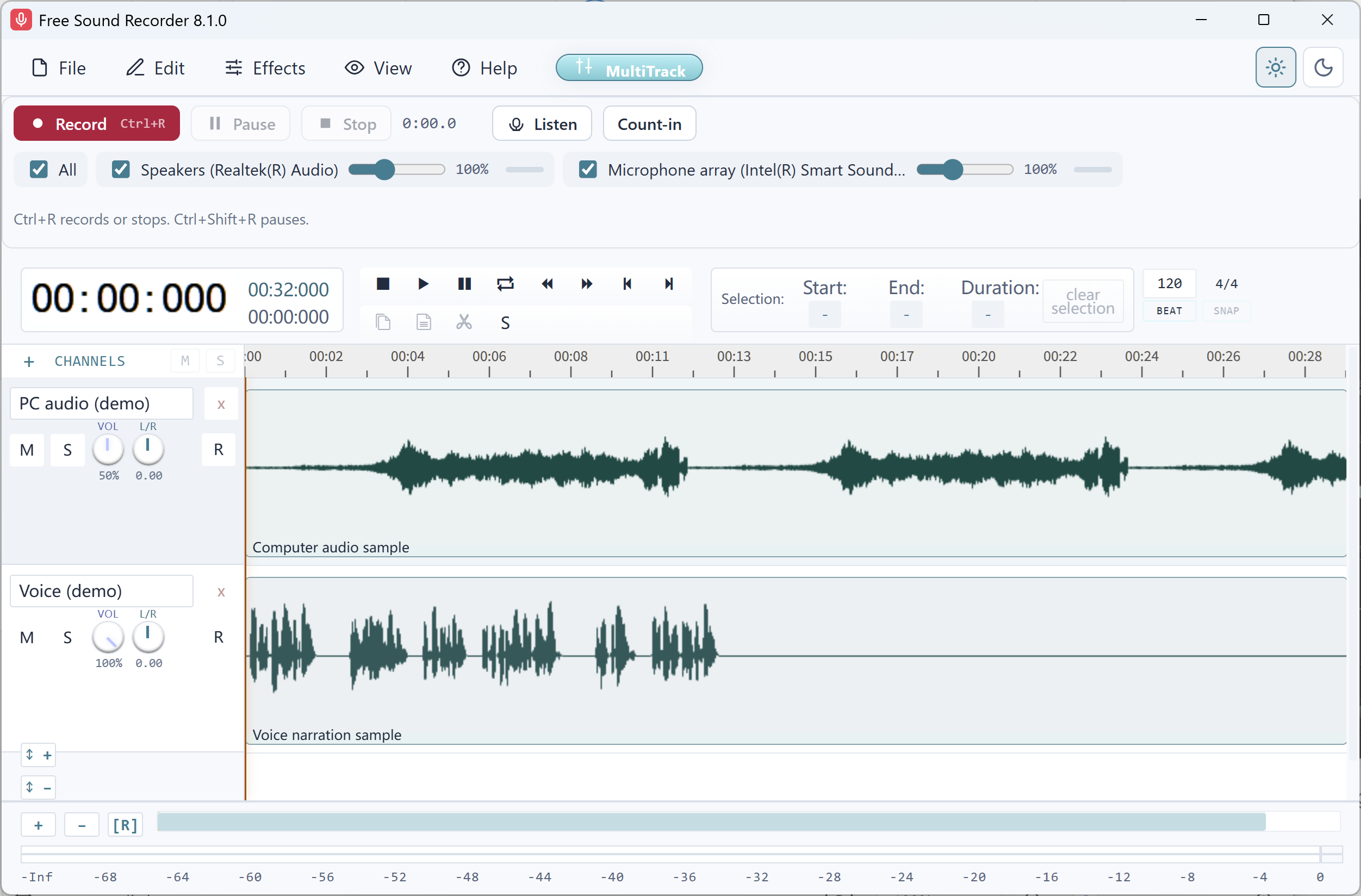
Record the loud line first
Keep the mic at the distance you will use for the real take. Record a normal sentence followed by the loudest phrase you expect. Stop and play back that microphone track by itself.
Reduce the gain upstream
If the loud phrase crackles or the waveform repeatedly flattens against its upper or lower edge, turn down the microphone or audio interface gain. Try the recorder’s input gain as needed. Lowering the playback volume only makes the damaged take quieter.
Repeat the same words
Record the same phrase from the same position. Compare the loud syllables and listen to the quiet words that follow. Stop lowering gain once the peaks stay clean and the quiet words remain usable.
