Rule out a headphone problem
Play a familiar stereo file outside the recorder. If the same ear is silent there, check the plug, Windows balance and another pair of headphones. If both ears work, return to the microphone take.
Check what the interface sends
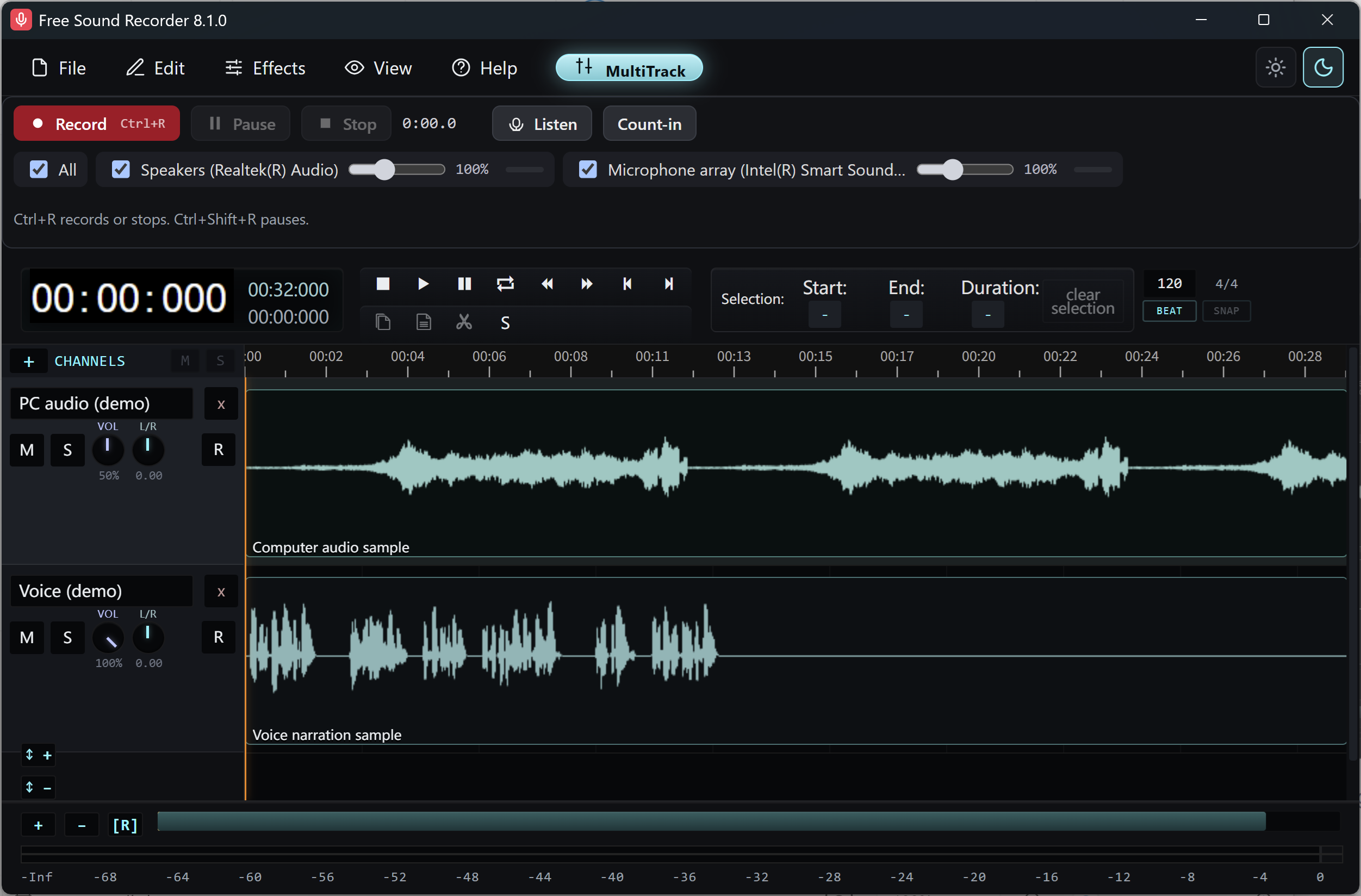
Solo the microphone track and speak into the same input again. An interface can present two hardware inputs as a stereo pair while a single microphone feeds only input 1. Check the device’s input routing and any supported mono recording option in its control panel or Windows.
Keep other tracks in stereo
Make a fresh sample after changing the input routing. Listen in both ears and compare it with the original. Work on a copy of an existing take if you need to change its channel layout; converting the whole mix to mono would also narrow any stereo music or computer audio.