Listen to each source before saving
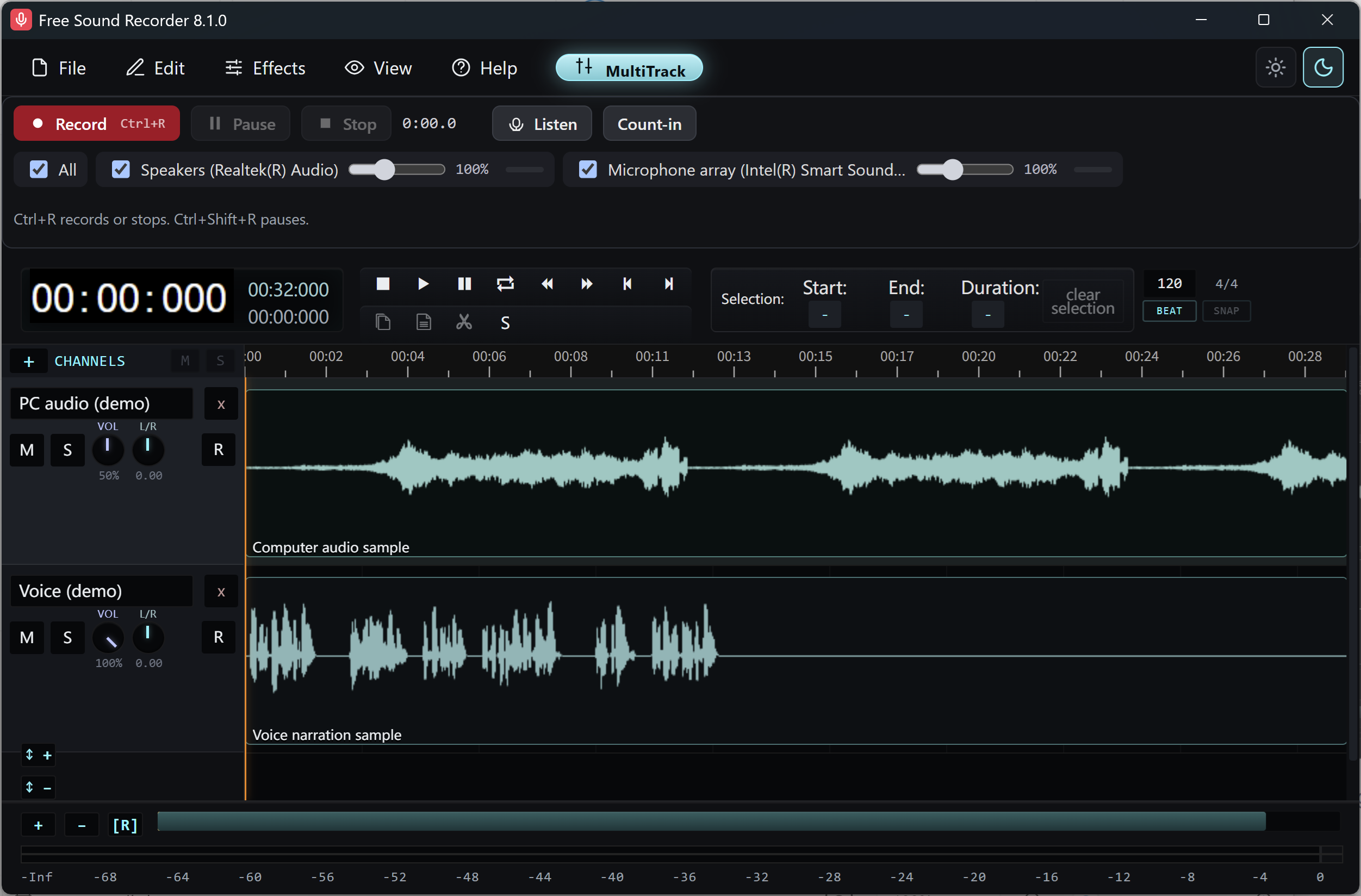
After Stop, identify your microphone and PC playback tracks. Play a short passage with each track soloed, then switch Solo off and listen to them together. If the PC track is silent, check which playback device was used before starting a replacement take.
Save a session you can reopen
- Save an .amss session from the editor. Use a recognizable name such as
lesson-edit.amss. - Keep the current session open until the save completes. When you reopen the saved session, verify that the separate tracks are visible and play.
- To prepare a revision, save another session with a new name before making changes you may want to reverse.
Export and listen to the result
- Make sure Solo is off and the tracks you want are audible. Adjust their volumes while listening together.
- Use File → Export / Download and choose MP3, WAV or FLAC. A name such as
lesson-final.wavmakes the mix easy to identify. - Open the exported file in a media player. Check the beginning, a section where both tracks play and the ending. To deliver one source by itself, solo it and export another file with that source in the name.