
This is the browser recorder. It is for a microphone take when you do not want to install the Windows app. It cannot record the speakers.
1. Open the page
Go to the online voice recorder. You will see Record, Pause, Stop, Play, and Download WAV.
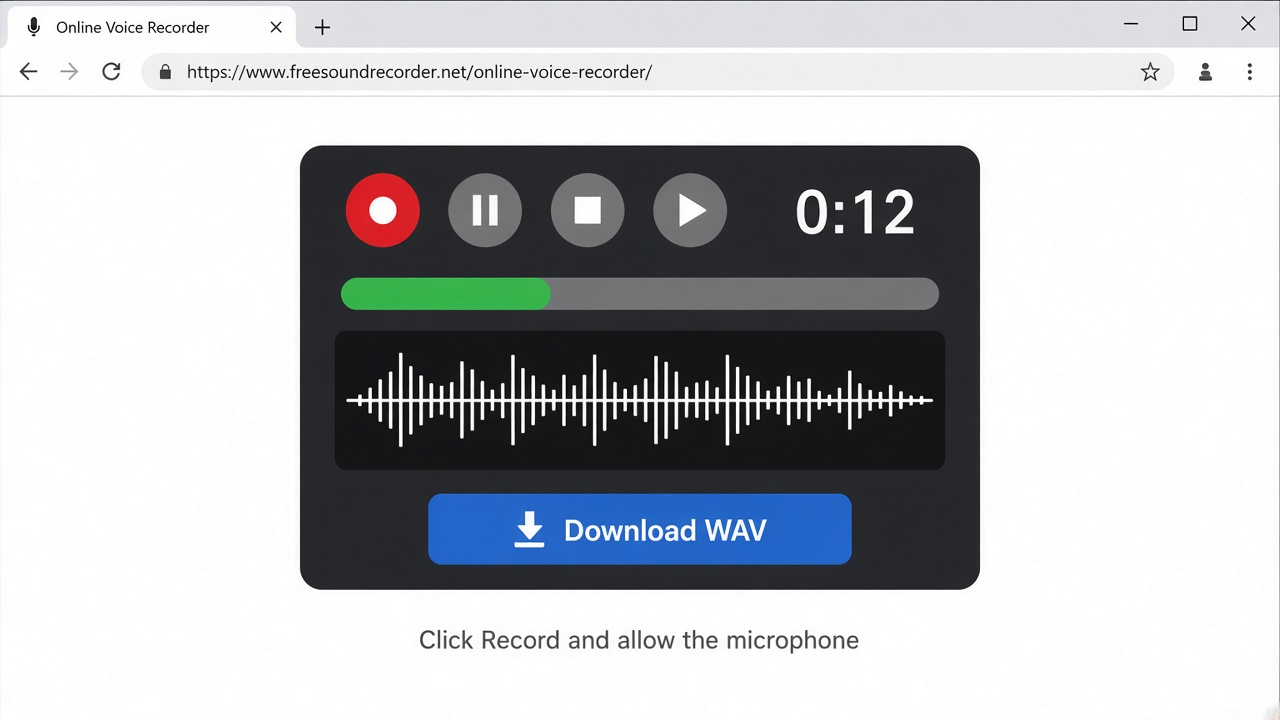
2. Allow the microphone
- Click Record.
- When the browser asks, allow the microphone. If you block it, nothing is recorded.
- If you have more than one microphone, pick it in the Microphone list. That list fills in after the browser allows access.
- Set Volume if the meter barely moves. Leave Reduce echo on for a voice note in a room. Turn it off if you are recording music through the mic and the sound feels thin.
3. Record, pause, stop
The timer runs while you are recording. Pause holds the take and stops the timer. Click Pause again to continue. Stop ends the take. The longest take in the browser is 20 minutes.
4. Trim, then download
After Stop, two sliders appear: Start and End. Drag them so the download keeps the part you want. Trim silence pulls those sliders in from quiet ends. Click Play to hear the kept part.
Click Download WAV. The file is made in your browser. It is not uploaded.
WAV is the file this page can give you. Open it in Free Sound Recorder for Windows if you need MP3, the speakers recorded as well, or separate tracks.